
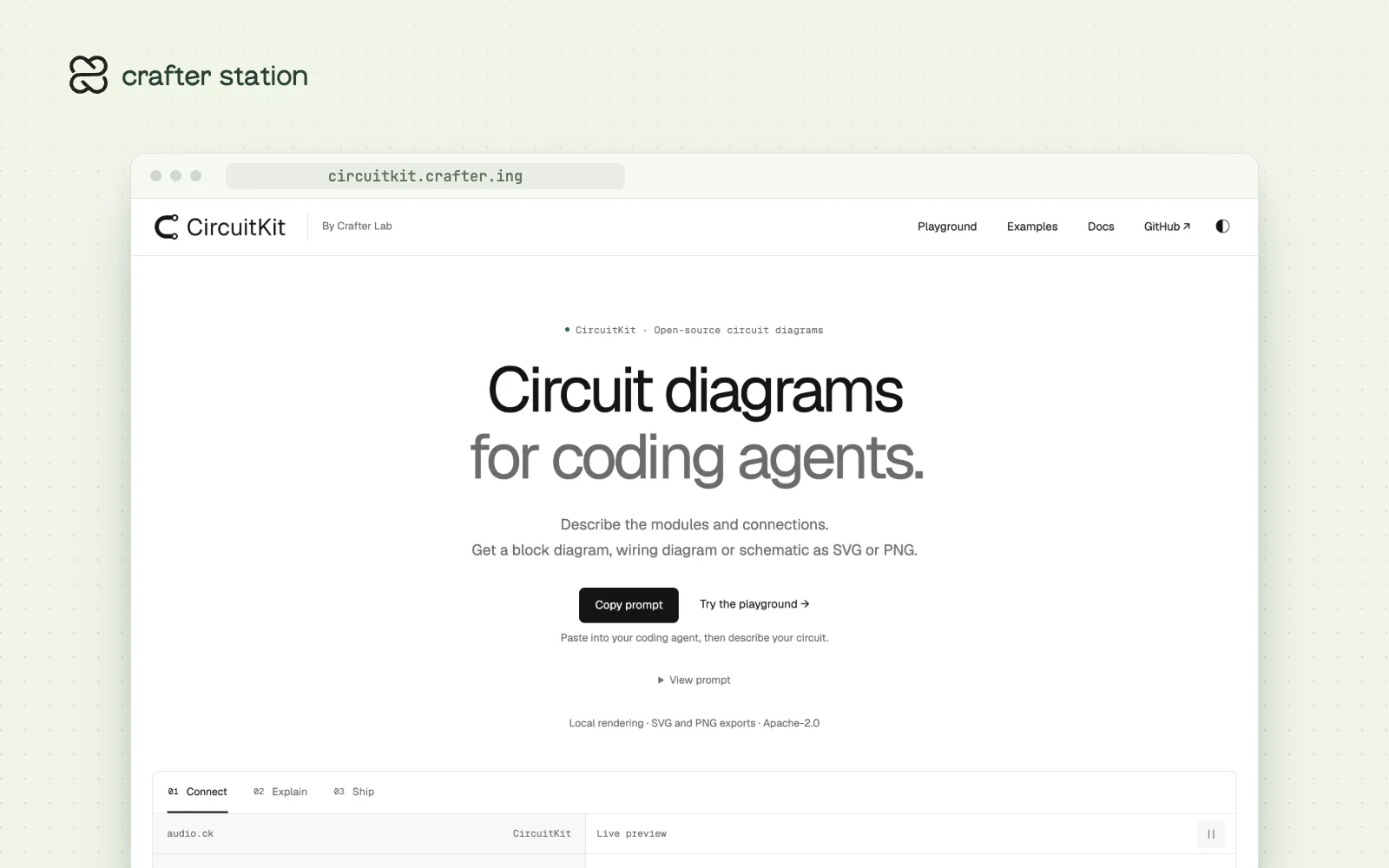
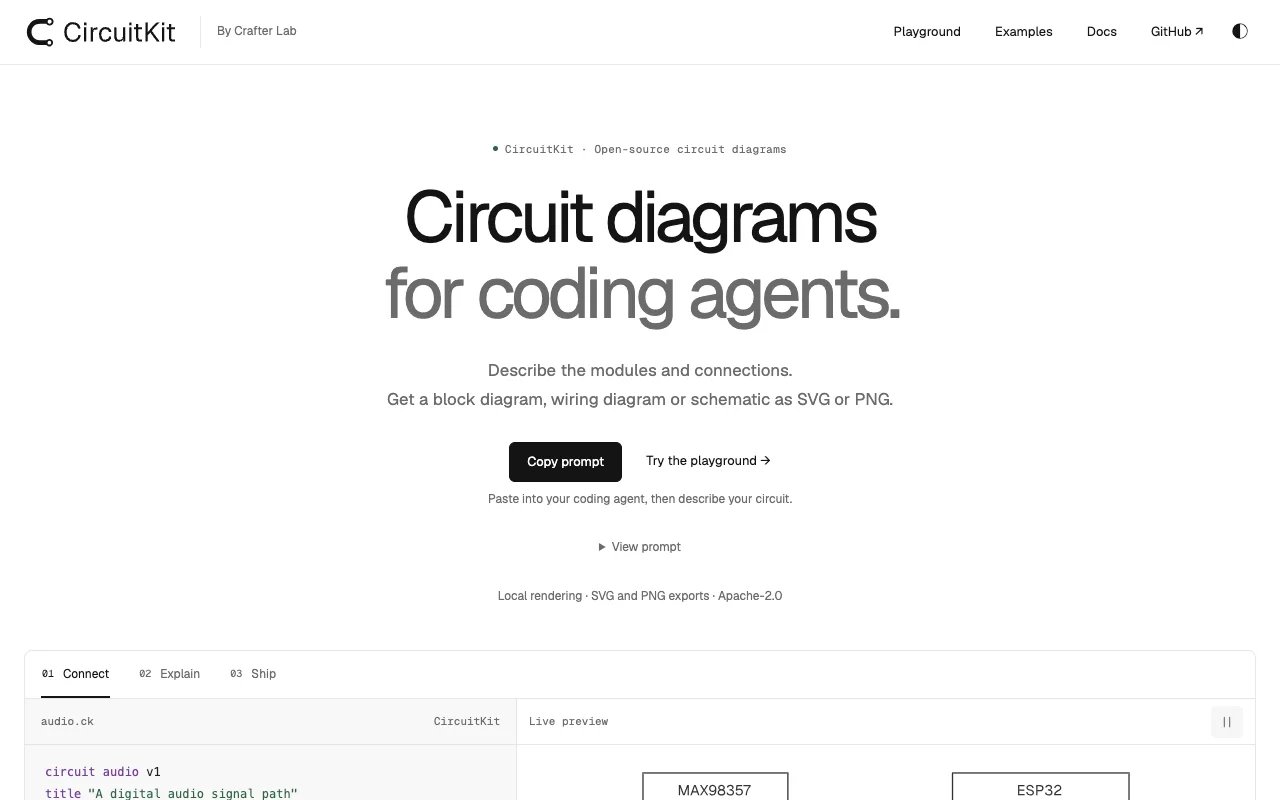
CircuitKit gives your coding agent a way to draw circuits. You describe modules and connections, and it renders a block diagram, a wiring diagram or a schematic locally as clean SVG or PNG. It is for makers and hardware teams who want diagrams that live next to their code. Try the playground at circuitkit.crafter.ing.
One source, three diagrams#
A .ck file names the modules, their ports and the buses between them. CircuitKit lays out the same source as blocks, wiring or a modular schematic, with no coordinates to maintain. An optional presentation block adds sections, highlights and illustrative signal flow for explanations.
Built for your agent#
Paste the setup prompt or install the skill, then ask your agent for the diagram. The typed package, the React components, the CLI and the agent skill share one JSON document, and everything renders locally with no account or backend.
Try it#
npx skills add crafter-lab/circuitkit --skill circuitkit
npm install circuitkit
npx circuitkit grammar --json
Or open the playground in your browser.
What it includes#
- A compact text language in
.ckfiles or Markdown fences, with JSON still supported render,formatandexpandcommands in the CLI- React components and a typed library
- An MCP server, built from source, that shows circuits as images in the conversation
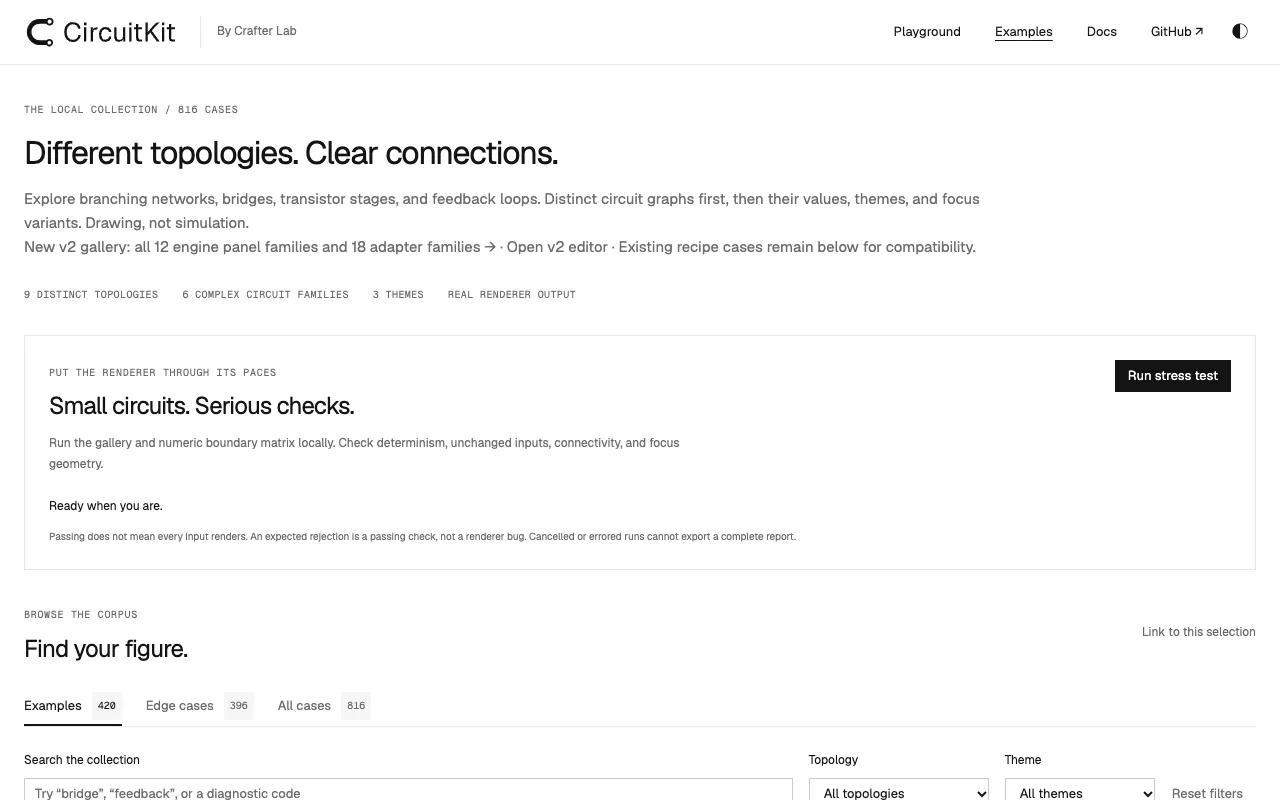
- Apache-2.0 license. It is a drawing tool, not a simulator.