
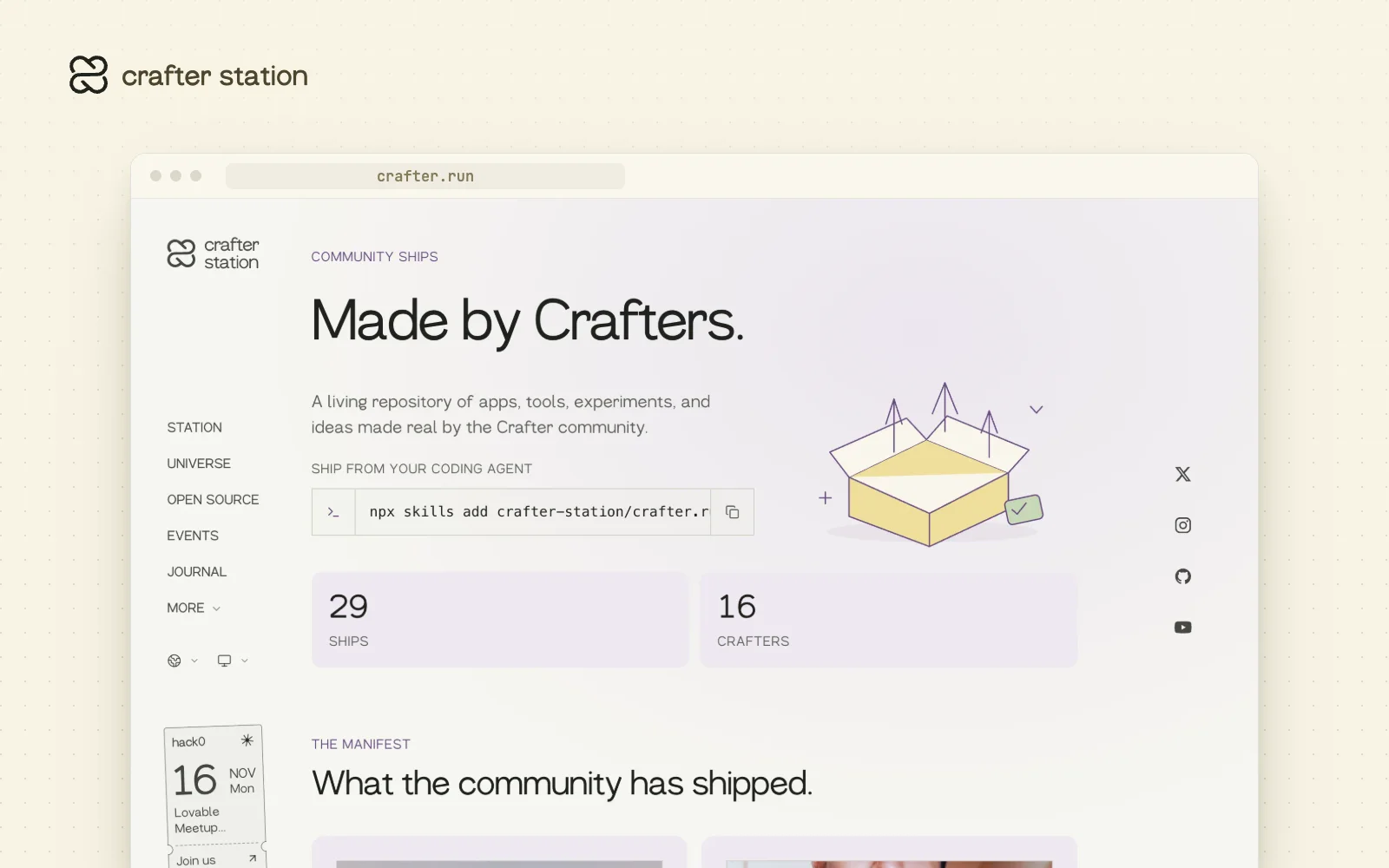
Ships is the community's shelf of what its members build: apps, tools, experiments and ideas, each with its own page. It is for anyone in the Crafter community who wants their project seen, and you can publish from your terminal or your coding agent. Browse it at crafter.run/ships.
Ship from your coding agent#
Ships arrived on August 11, 2026 together with the @crafter/cli package and agent-driven onboarding. Install the crafter skill and your agent can draft your profile and your first Ship from a local project. Nothing goes live until you confirm the draft.
A page for every Ship#
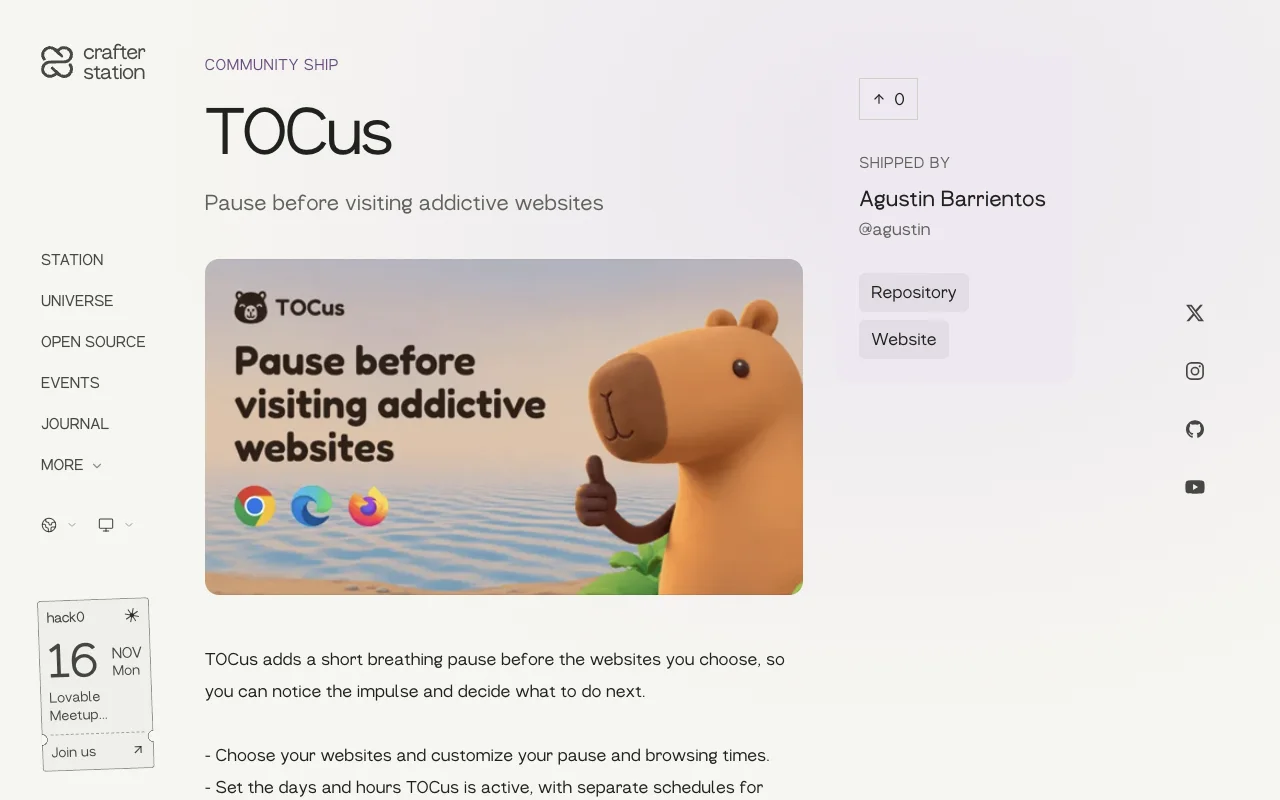
Each Ship has a cover, a description, links to its repository and website, and the person who shipped it. Published Ships can carry updates with a public changelog entry, and visitors can upvote them.
Try it#
Add the skill to your coding agent, or use the CLI directly. Run crafter login yourself in an interactive terminal.
npx skills add crafter-station/crafter.run --skill crafter
npm install --global @crafter/cli
crafter login
crafter ship
What changed#
- A public directory of community Ships at crafter.run/ships, with upvotes
- The
@crafter/clipackage to draft, publish, edit and update Ships - Agent-driven onboarding that drafts your profile and your first Ship
- The list is also available through the public API at api.crafter.run