
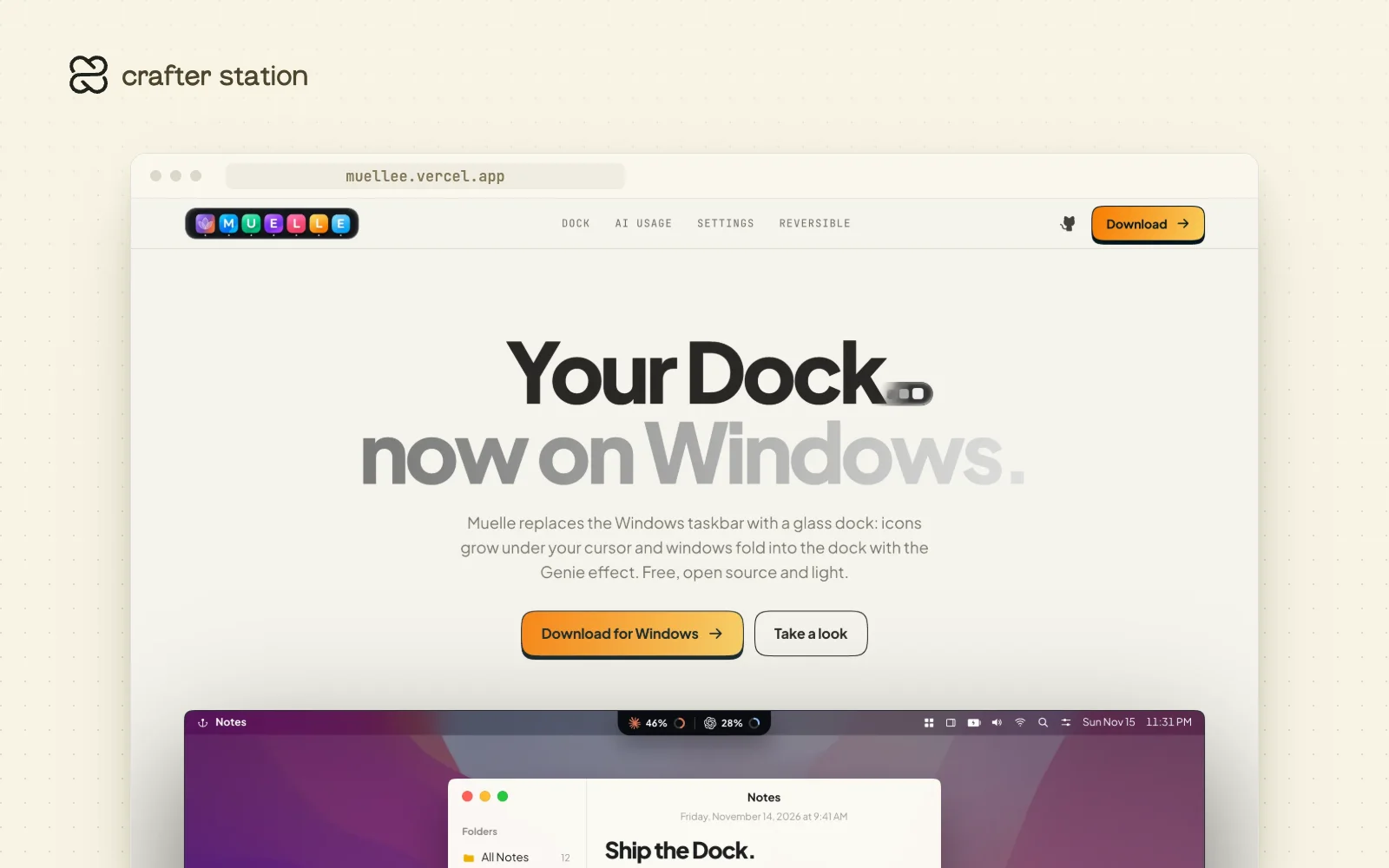
Muelle replaces the Windows taskbar with a glass dock and an optional macOS-style menu bar. It is for Windows 10 and 11 users who miss the Mac dock, and for developers who want their AI plan limits in sight. It is free and open source. Download it at muellee.vercel.app.
A dock that feels like the Mac#
Icons magnify smoothly under the cursor. Minimized windows fold into their app's icon with the Genie effect, or stay as live thumbnails on the right side of the dock if you prefer. You can pin and reorder apps, drop files onto apps, Downloads or the Recycle Bin, and auto-hide the dock.
AI plan usage, at a glance#
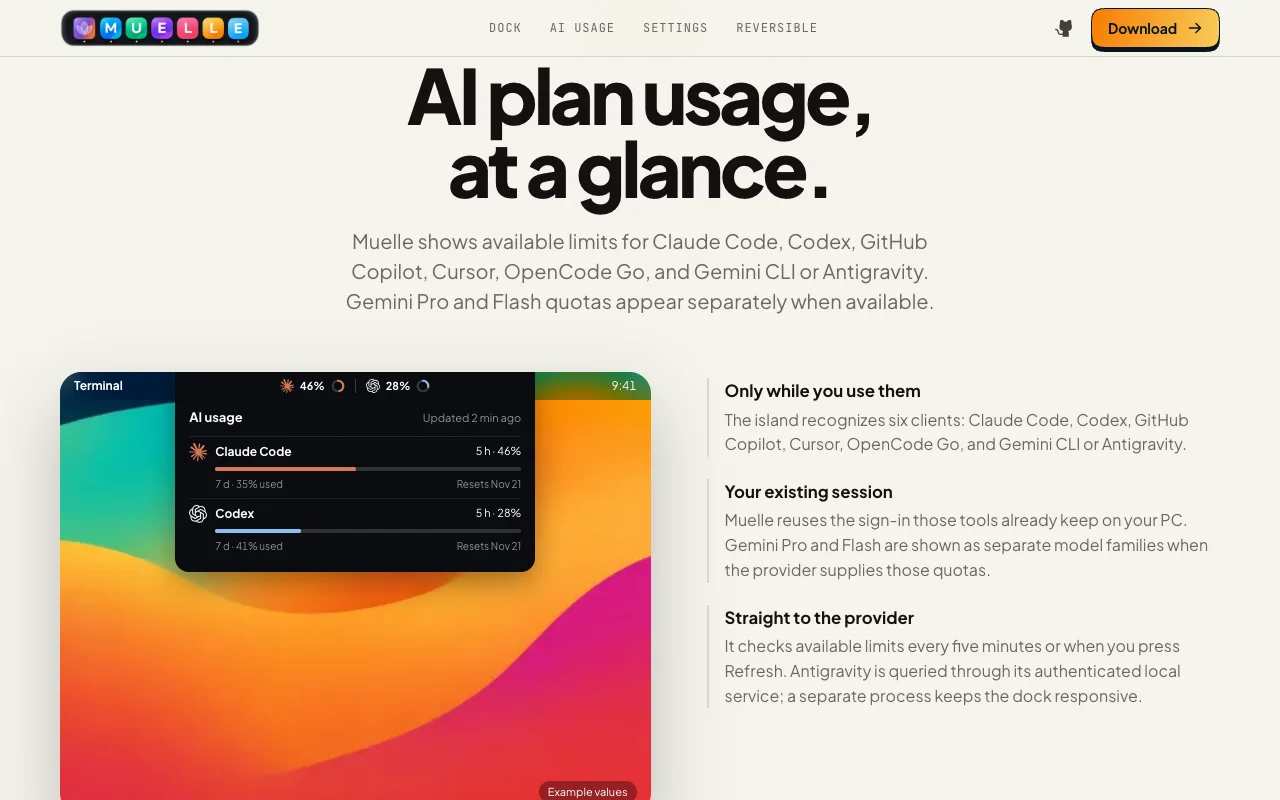
A curved island in the menu bar shows usage limits for Claude Code, Codex, GitHub Copilot, Cursor, OpenCode Go, Gemini CLI and Antigravity. It reuses the sign-in those tools already keep on your PC and checks every five minutes or when you press Refresh.
Try it#
Download Muelle-Setup.exe for Windows 10 (version 1903 or later) or Windows 11, 64-bit. It installs for your user only, with no administrator rights, in about two seconds. Then open Muelle from the Start menu.
What it includes#
- Smooth magnification, live window previews and an optional Genie minimize effect
- A menu bar with the app in front, clock, network, volume, battery and the hidden tray icons
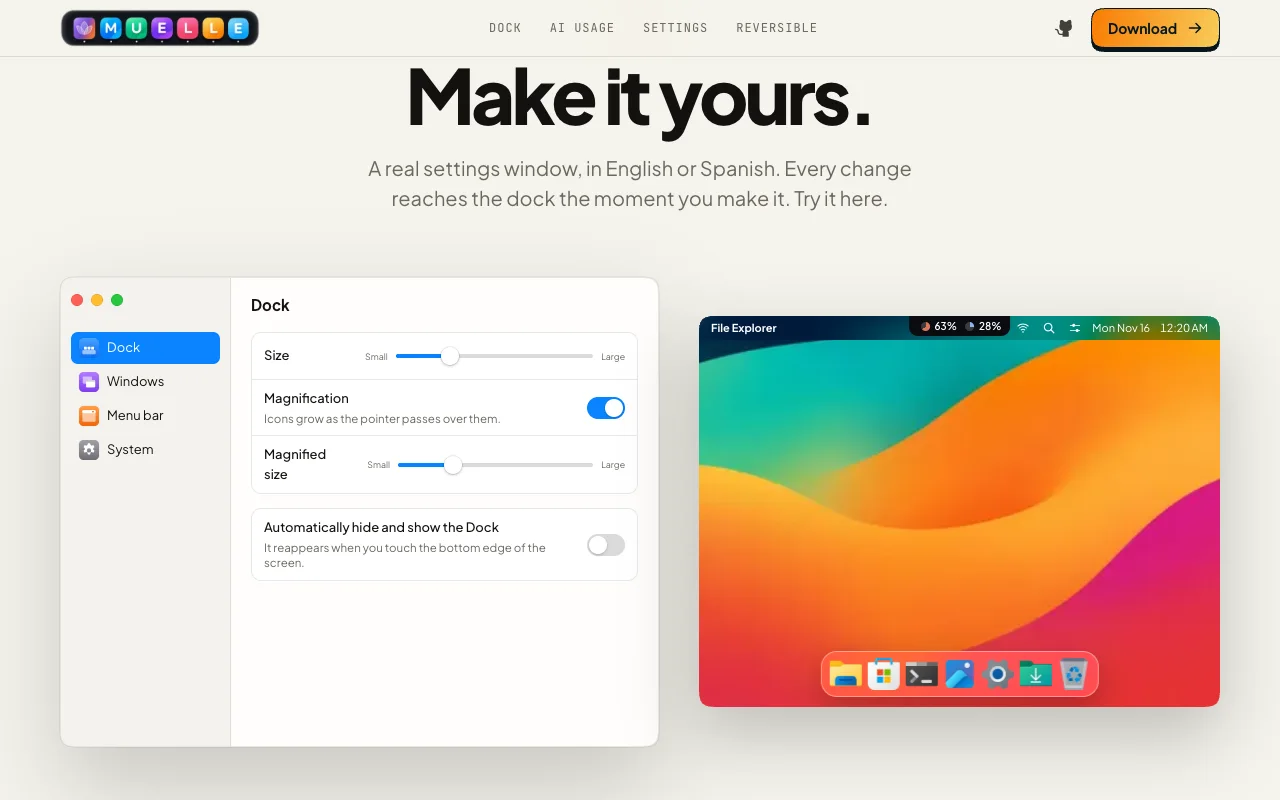
- A separate Settings app in English and Spanish
- A watchdog that restores the Windows taskbar if the dock exits unexpectedly
- Frequent releases on GitHub