
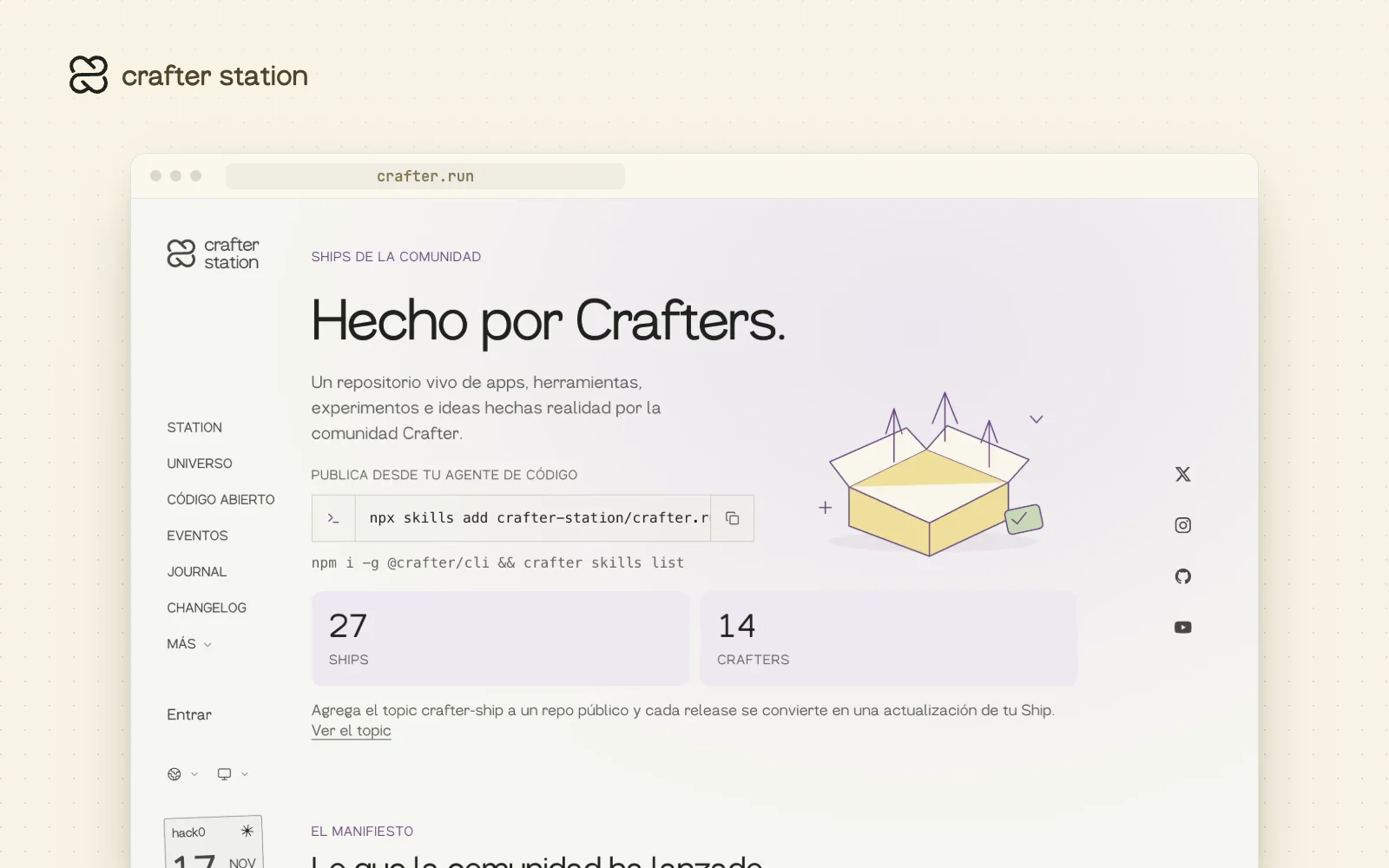
What the community builds now has a place on crafter.run. You create a Ship once, by pasting your repo link or from your terminal, and every update lands on your profile. Recent Ships show on the homepage at crafter.run.
Publish from a link or from your agent#
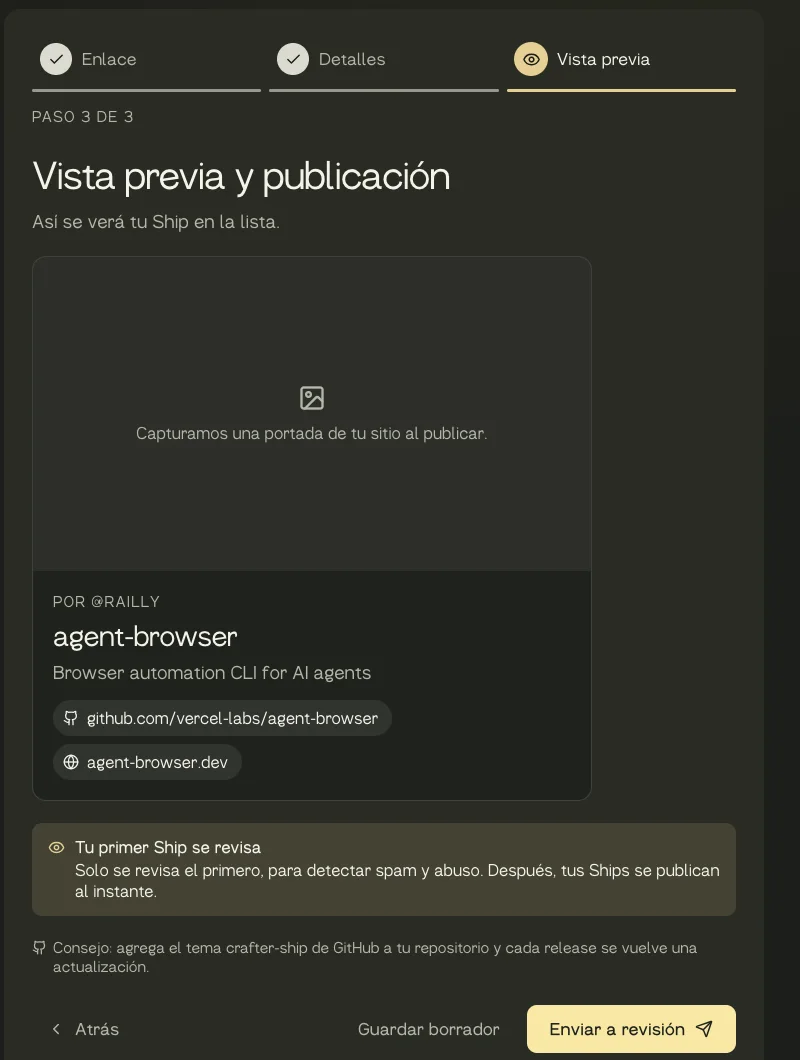
On crafter.run/ships/new you publish in three steps. Paste your repo or site link and the name, tagline and description fill themselves in. Check the fields and see how your Ship will look before you publish it. If you prefer the terminal, the page has a prompt to copy into Claude Code, Codex or any coding agent: it builds the draft with the CLI and waits for your OK before publishing.
The CLI carries its own skills, always matching the version you have installed. To let your agent find them, install one: npx skills add crafter-station/crafter.run --skill crafter.
Your releases become updates#
Add the crafter-ship topic to a public GitHub repo and each new release posts as an update on its Ship, with nothing else to do. It works when your crafter.run account has the GitHub account that owns or contributes to the repo linked. The Ship's owner can also pull releases in right away with "Sync releases".
A showcase for the community#
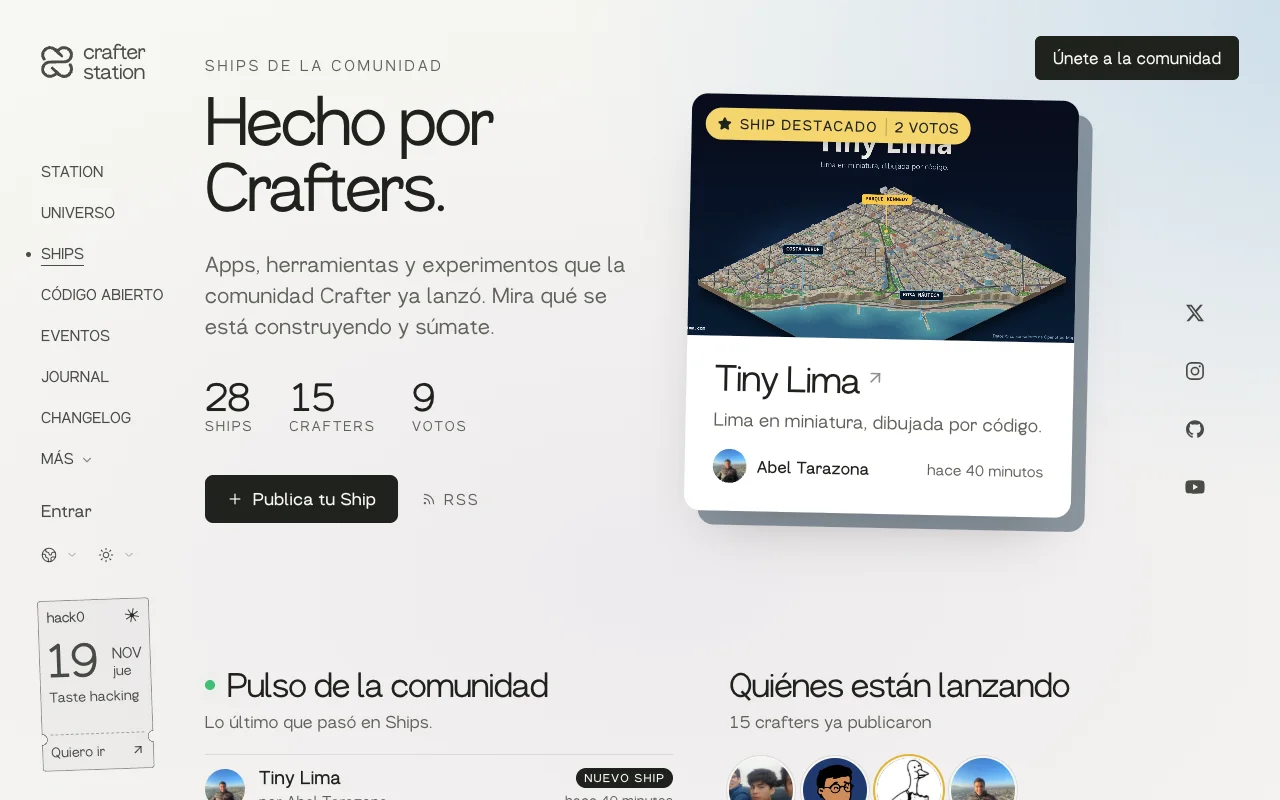
crafter.run/ships opens with a featured Ship that the team picks by hand. Below it come the pulse with the latest posts, the faces of everyone who has shipped, and every Ship, sorted by activity or by votes. Each page takes a soft colour from its Ship's cover.
Every Ship tells its story#
Each Ship page now reads like a post: the description takes headings, lists, images and videos. Tiny Lima, by Abel Tarazona, is the first to use it, with a clip for each thing you can do on the map.
Your profile, your space#
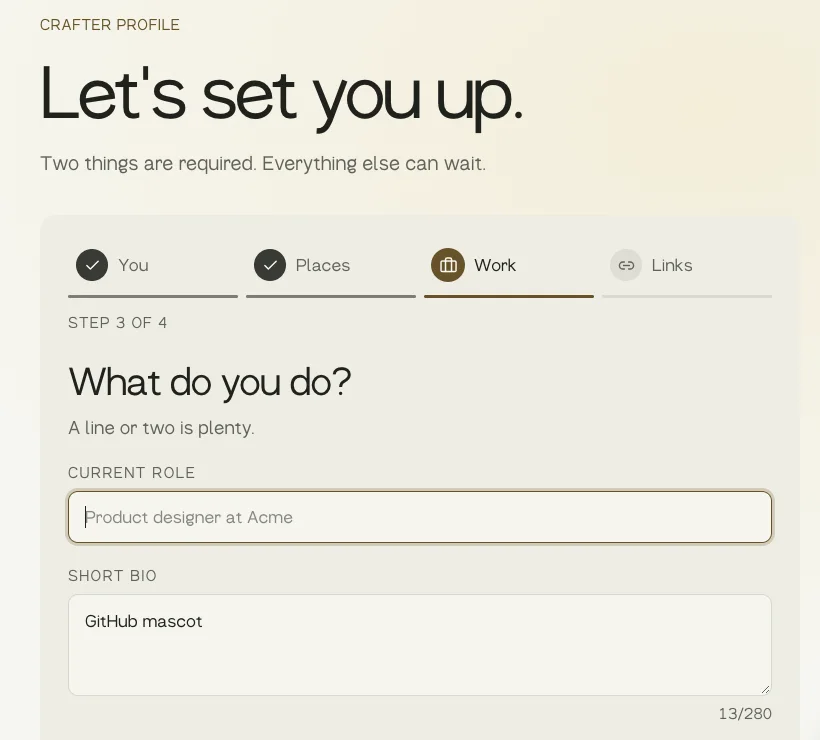
Setting up your profile takes four steps, and only your handle and name are required. If you sign in with GitHub, your name, photo, bio and links are already filled in. Your city is one search box, with Peru, Argentina, Mexico, Colombia, Chile and Spain listed first. Your agent can fill it in too with crafter profile update.
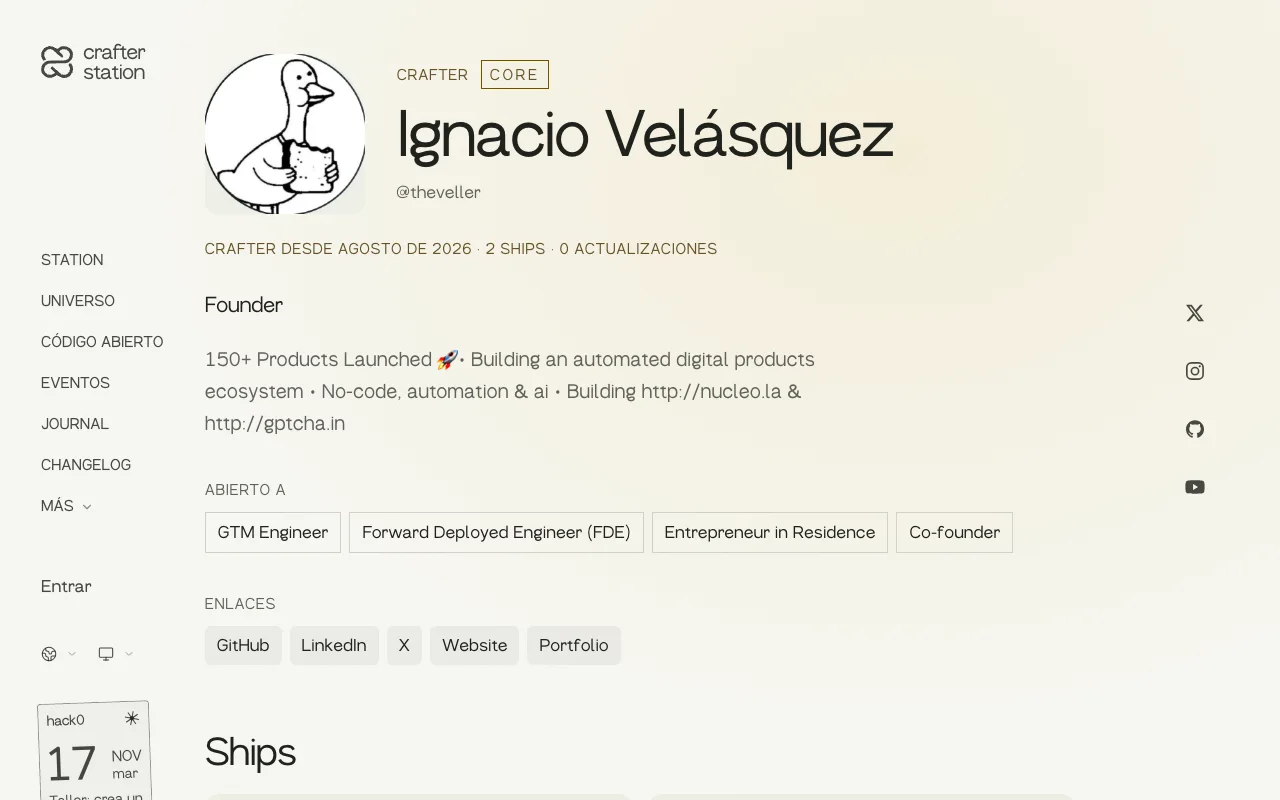
Every profile shows when you became a Crafter, how many Ships and updates you have, and a timeline of your activity. Core and Crew carry their badge.
We review only the first one#
The team reviews each person's first Ship before it goes public, and only for spam and abuse, not quality. After that you publish directly. Core and Crew publish directly from the start.
Try it#
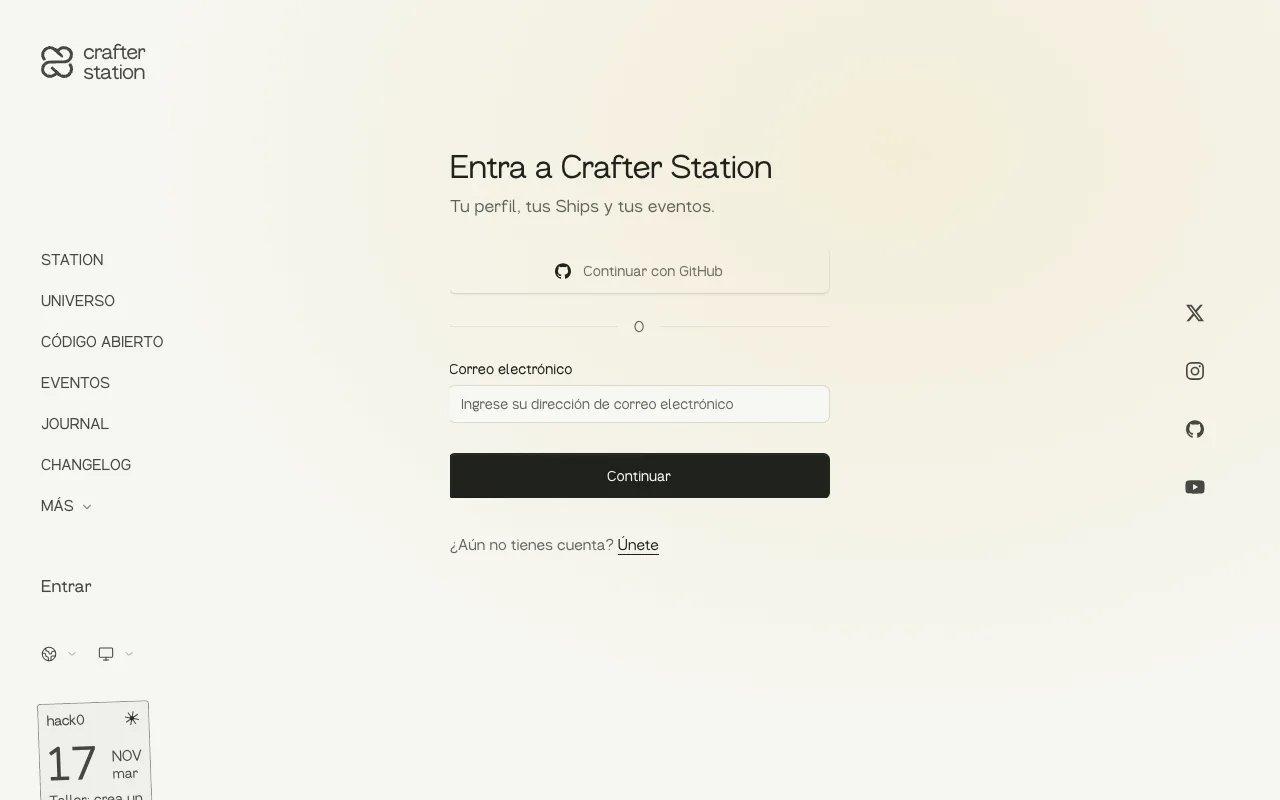
Sign in at crafter.run/en/sign-in and publish your first Ship at crafter.run/en/ships/new. From the terminal:
npm i -g @crafter/cli
crafter skills get ship
crafter profile get
What changed#
- Each member's first Ship goes through review, the homepage shows community Ships, and every Ship can be shared on WhatsApp (#193).
- The CLI serves its own skills with
crafter skills listandcrafter skills get(#194). - Ships ordered by activity, an Atom feed and a profile timeline (#195).
- One
crafterskill to install and a prompt for your agent on the new Ship page (#198). - GitHub releases become updates with the
crafter-shiptopic (#201). - Sign in in plain sight on every page and a new sign-in page (#202).
crafter profile getandcrafter profile updateto read and edit your profile from the terminal (#207).- A four-step profile with GitHub data and a city search (#209).
- A three-step new Ship flow, in all five languages (#213).
- A Ships showcase with a featured Ship, a pulse and a makers wall (#214), and a featured Ship picked by the team (#220).
- A redesigned Ship page with its own colour, a story with videos and the maker at the end (#217, #221, #222).
- Large images are shrunk before upload so they no longer fail (#218).