
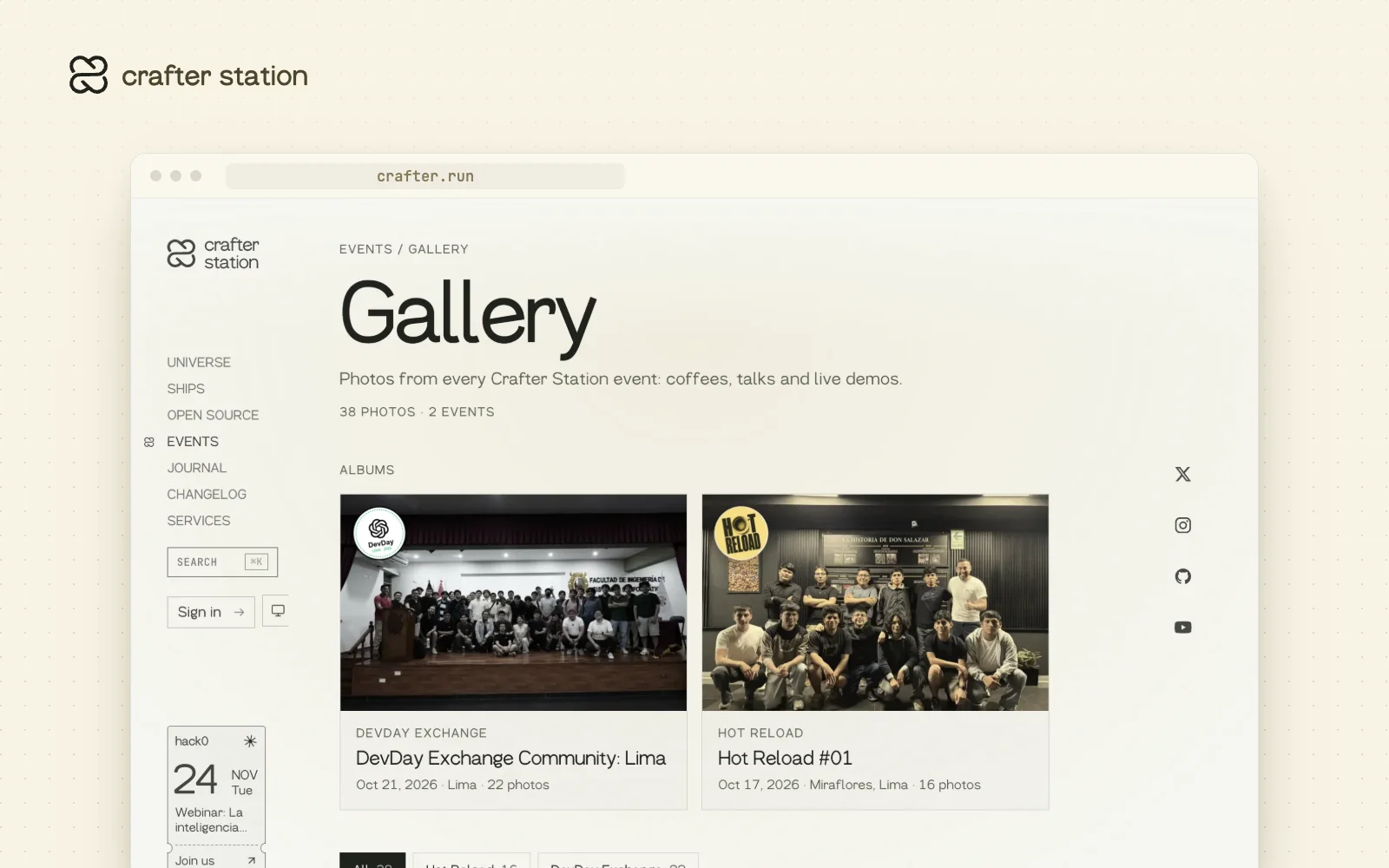
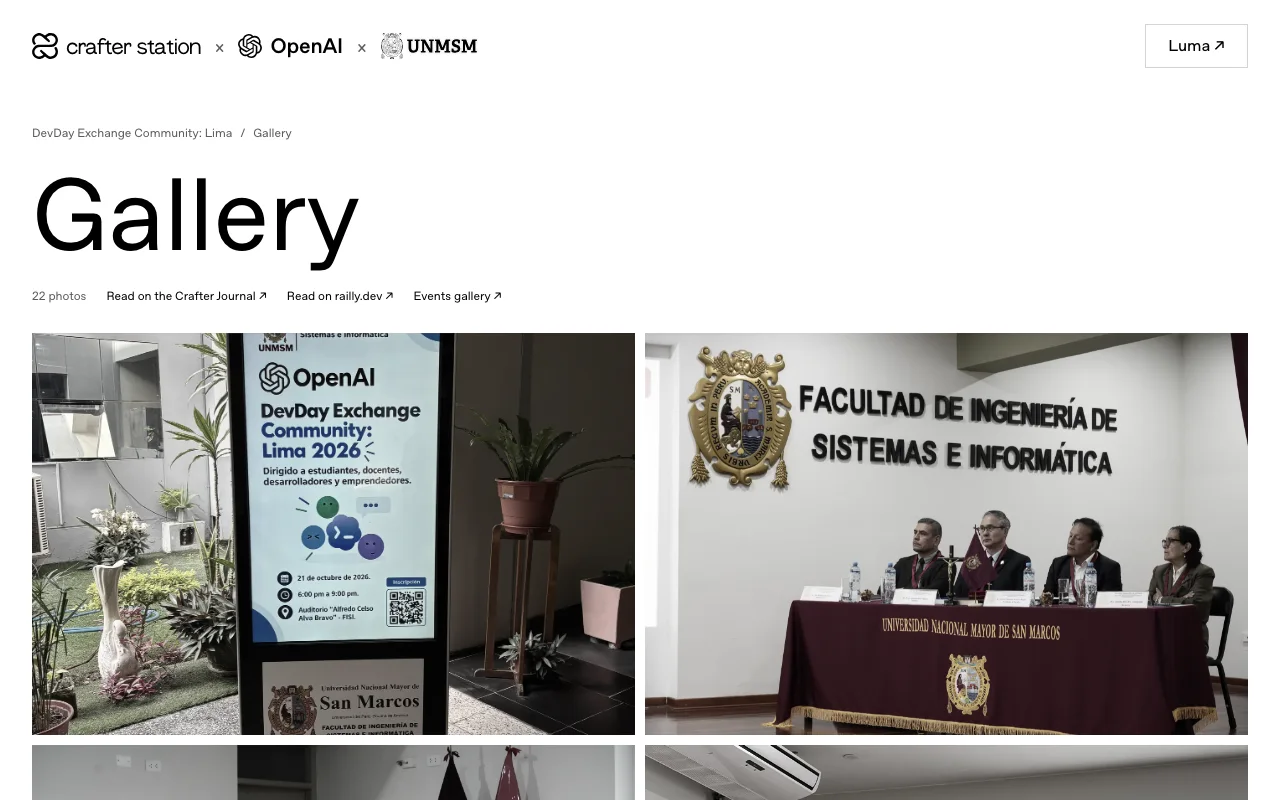
Crafter Gallery puts the photos from every Crafter Station event in one place. It starts with 38 photos from two events, Hot Reload 01 and DevDay Exchange Community: Lima. Open it at crafter.run/events/gallery.
One album per event#
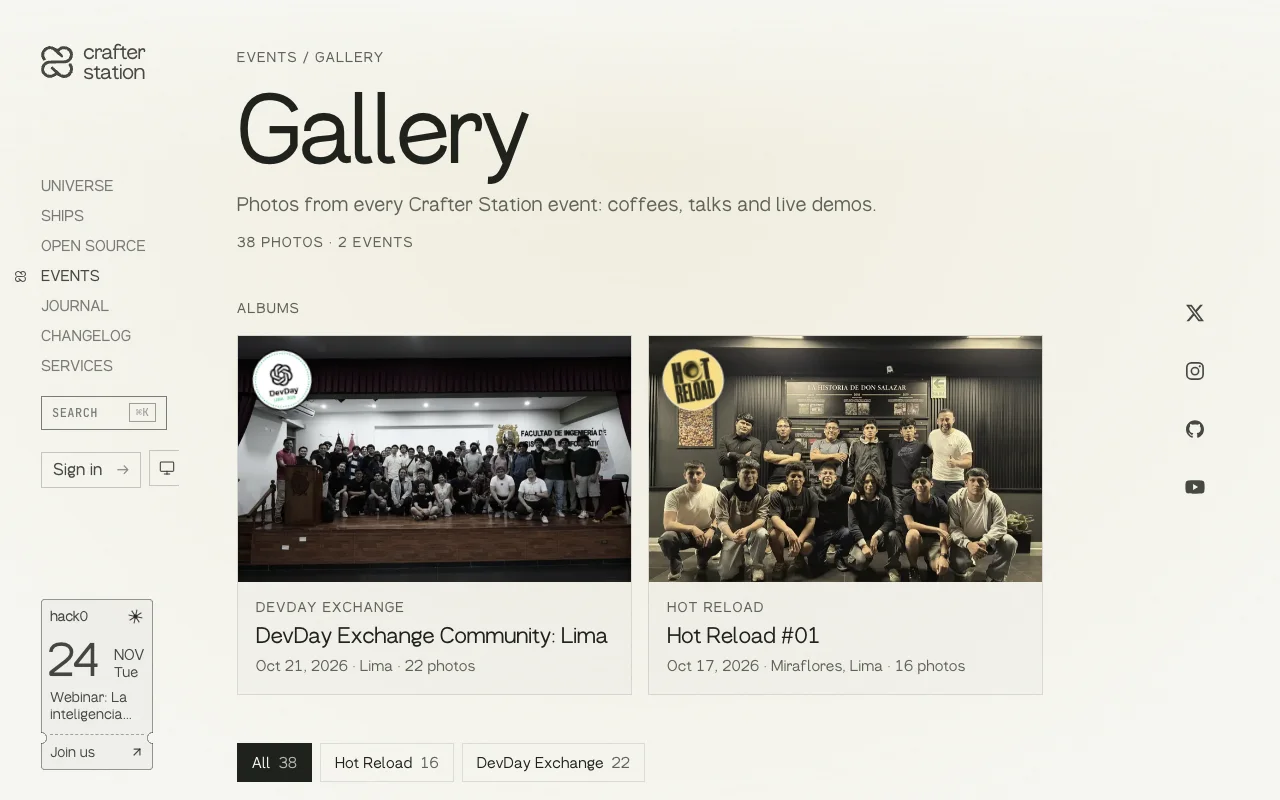
Each event has its own album with its cover, date, city and photo count. A stamp in the corner of every photo shows which event it belongs to, and the chips above the grid filter it to a single event. The filter stays in the URL, so a link to ?event=hot-reload opens with only those photos.
Full HD, with a soft start#
Every photo opens in a lightbox at 1920 pixels and has its own link. A tiny blurred preview loads first and the photo fades in once it is ready, so a slow connection shows the right picture instead of an empty box. The neighbouring photos load in the background while you look at one.
Each event keeps its look#
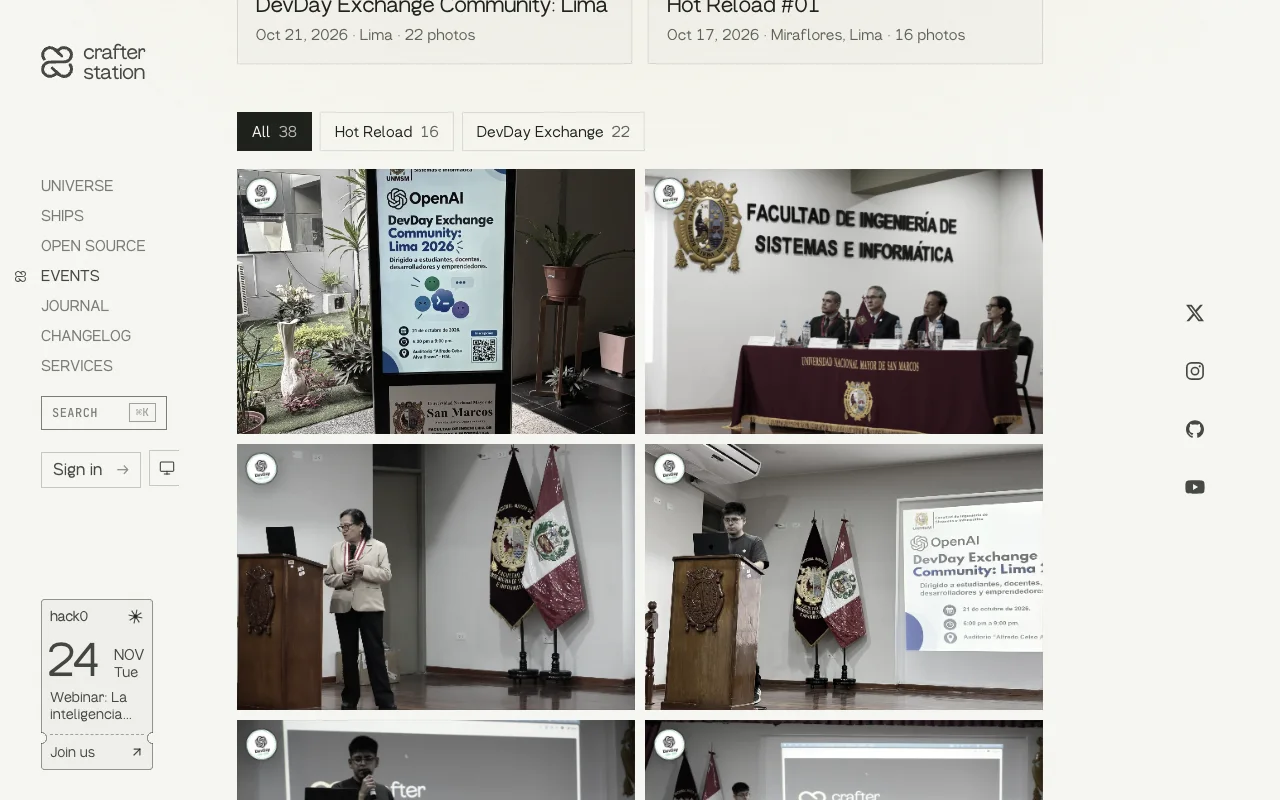
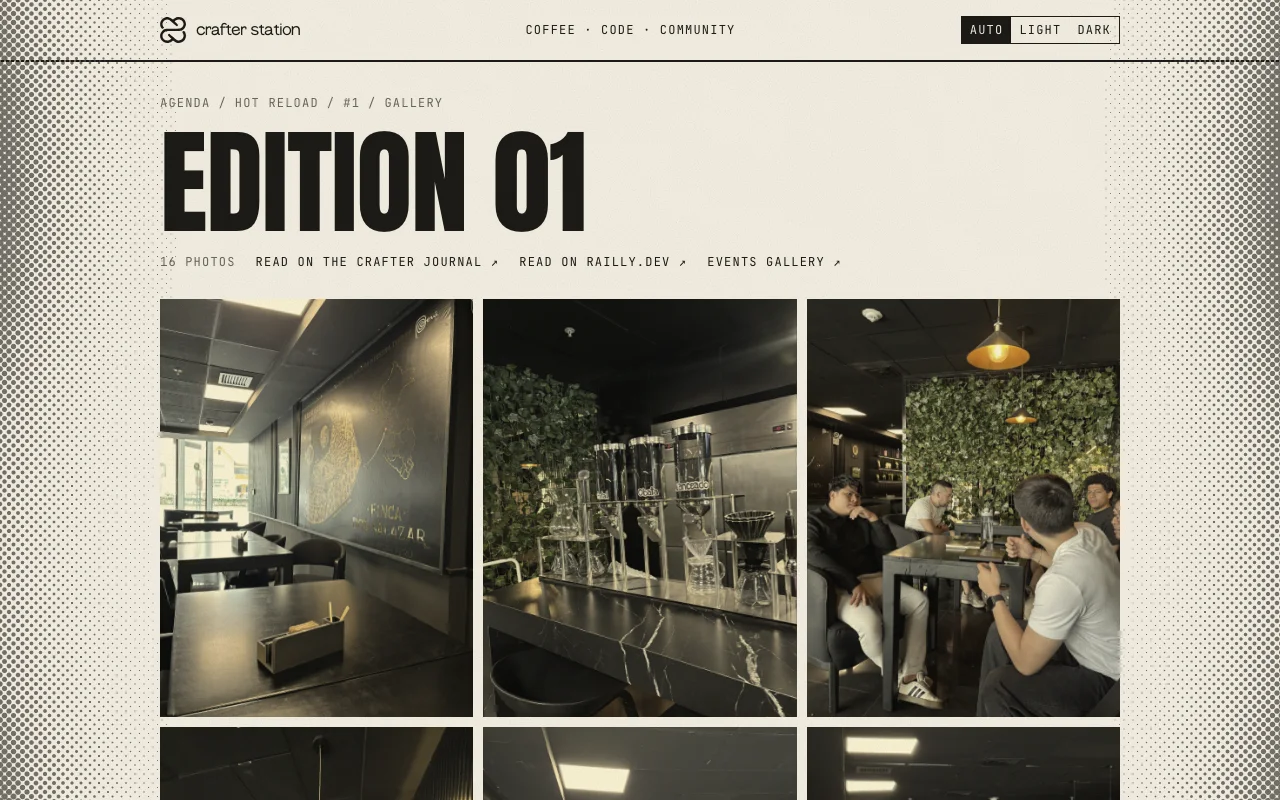
The event galleries keep the identity of their event. Hot Reload photos carry a warm grade with grain, in the colors of its brand. DevDay photos use a cool, muted grade that matches the OpenAI DevDay style. Both recap posts link to their gallery.
On the home page#
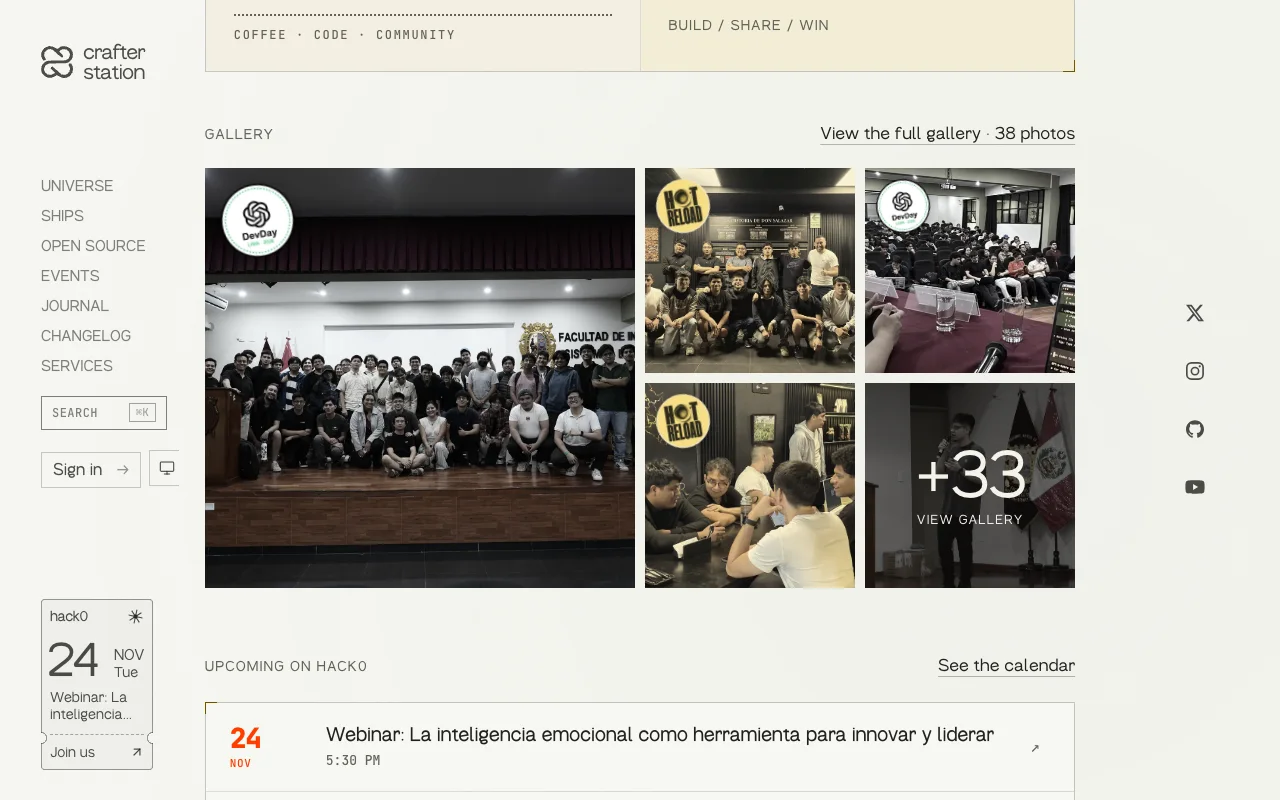
The Events section on the home page now shows the latest photos in a grid that links to the full gallery, and the events agenda lists every album.
Try it#
Open crafter.run/events/gallery, or jump to Hot Reload 01 or DevDay Exchange Lima.
What changed#
- New gallery at
/events/gallery, with album cards, event filters and a Full HD lightbox (#257). - New galleries for Hot Reload 01 and DevDay Exchange Lima, each in its event's theme (#257).
- A photo grid in the home page Events section and an albums row in the events agenda (#257).
- The Hot Reload 01 and DevDay Exchange Lima recap posts link to their galleries (#257).