
Ojito keeps its two eyes in your macOS menu bar so everything you saw on screen stays one ⌘⌘ away. With 0.2.4, that memory just got sharper, bilingual and harder to trip up, shipping today to 126 beta users on macOS.
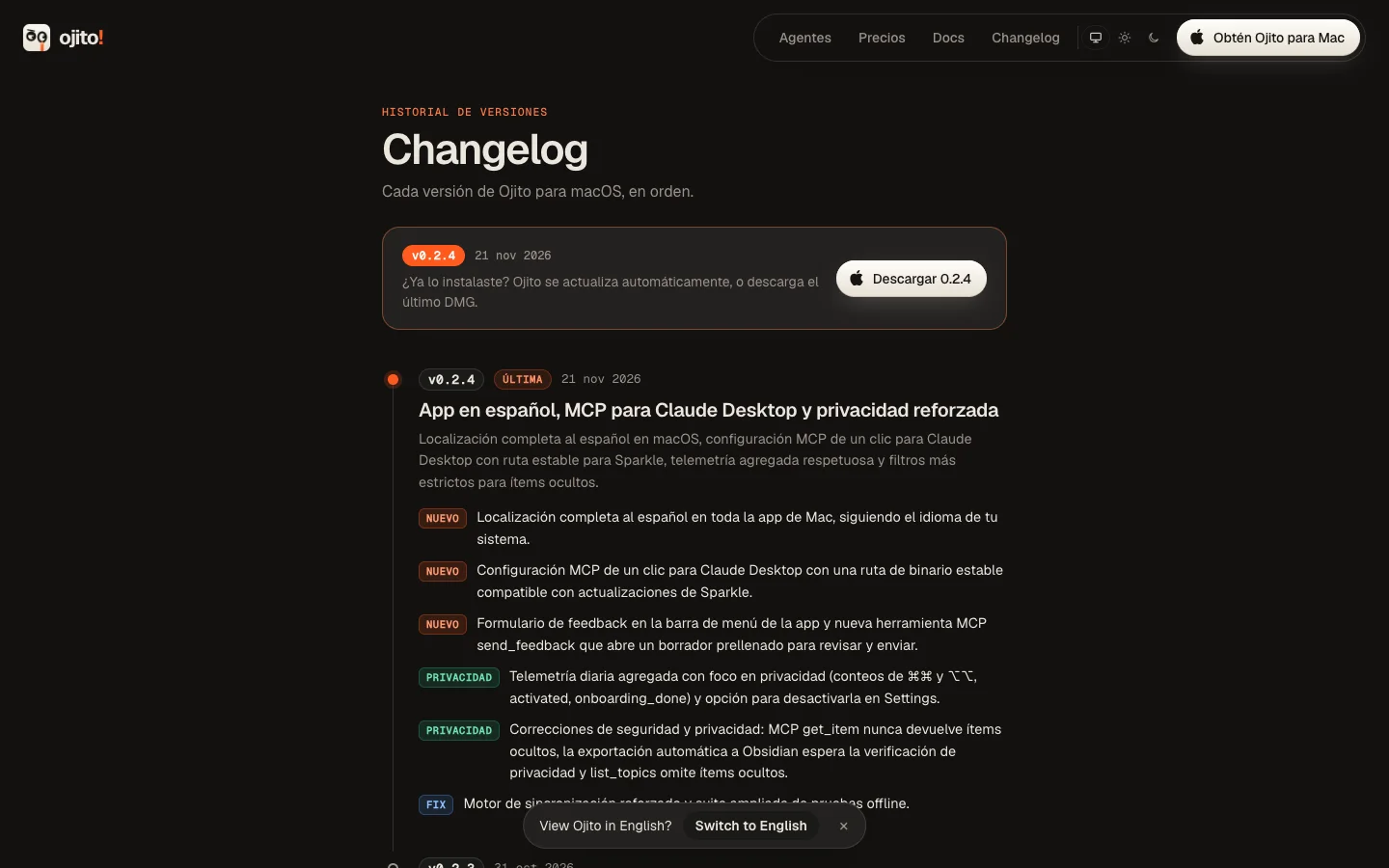
Native Spanish, inside the app#
Ojito now speaks Spanish natively across menus, settings, onboarding and search. No half-translated strings or awkward fallback labels: if your Mac runs in Spanish, Ojito feels at home from the first capture.
Claude Desktop in one click (and Sparkle-safe)#
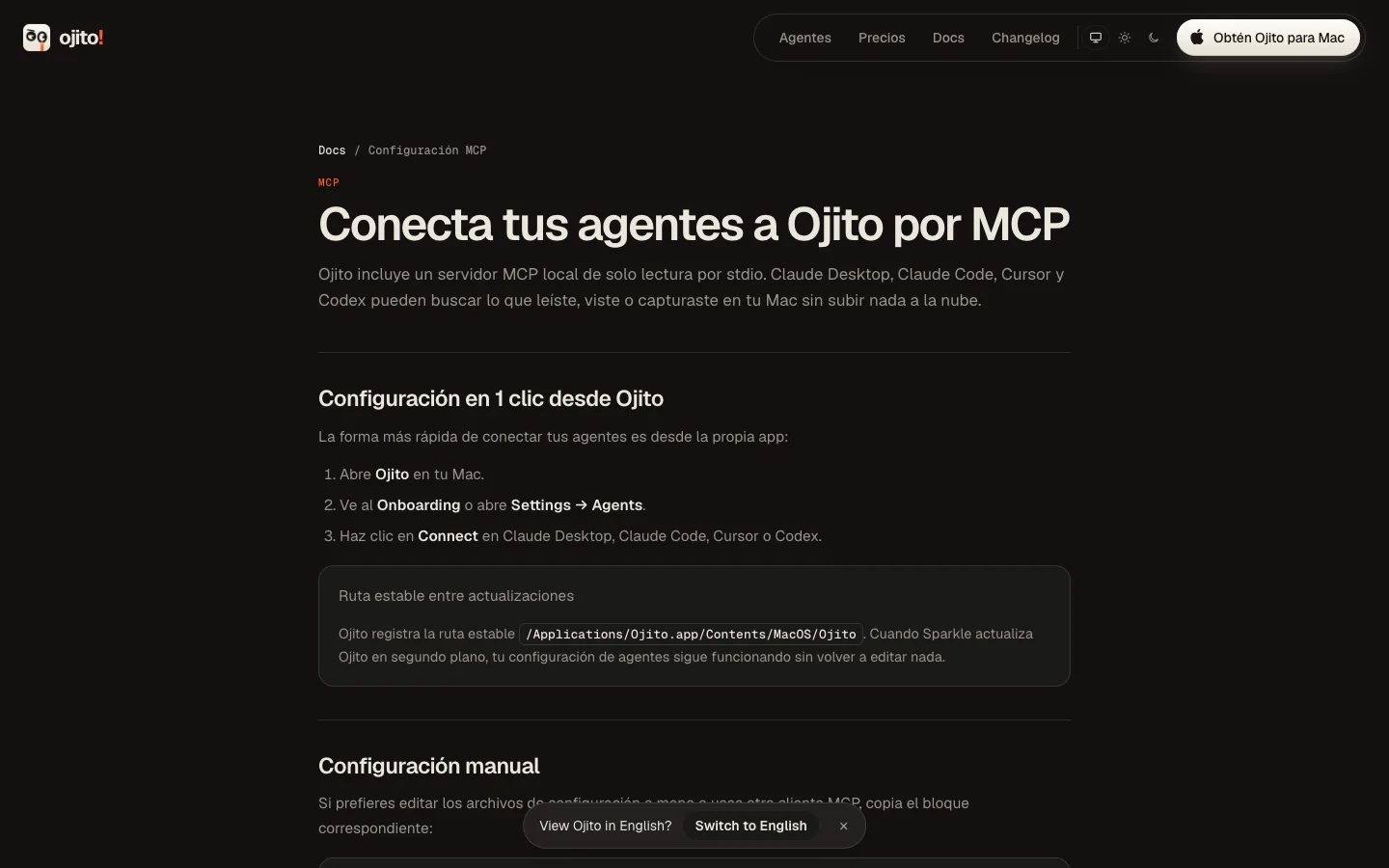
Connecting Ojito's local MCP server to Claude Desktop now takes a single click. Under the hood, the MCP path is now Sparkle-safe, so auto-updates no longer break your agent config when a new build lands. Full setup instructions with copyable snippets for Claude Desktop, Claude Code, Cursor and Codex now live at ojito.dev/docs/mcp.
Local-first privacy locks#
What stays hidden on your Mac should stay hidden from every tool too. In 0.2.4, get_item never exposes hidden items over MCP, and Obsidian auto-export now waits for privacy checks before writing anything to your vault. Your local index stays yours.
Native menubar feedback, MCP drafts and opt-out telemetry#
You can now send feedback straight from the macOS menubar, or ask your agent to open a prefilled feedback draft over MCP so you can review it and click Send yourself. This release also adds daily aggregate telemetry with a 1-click opt-out in Settings → Privacy so we can spot update regressions early without touching what you capture.
Phase 0 of the Rust Windows port is green#
Windows users have been asking since day one. Phase 0 of the Rust port is done: ojito-core (SQLite/FTS5, Ed25519 licenses and the --mcp stdio server) compiles and passes CI cleanly on windows-latest. You can join the Windows waitlist now to get early access first.